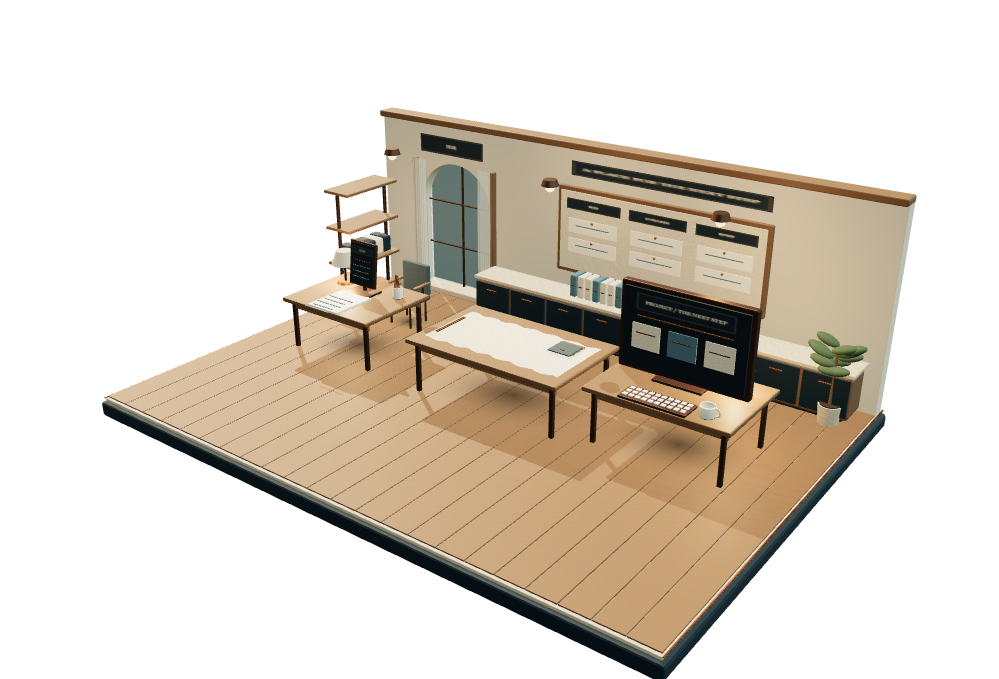
DESK / A STUDY IN GOOD WORK
Skip the story
DESK workspace study · fictional workflow

Your digital business · by Appleby & Co

More room
for good work.

One easy-to-use place for your website, marketing and everyday admin. DESK brings the digital side of your business together, with help from Appleby & Co when you need it.

Enter your workspace

For Appleby website clients and independent businesses.

01 / The brief finds its place

An enquiry.
A clearer
beginning.

Record the enquiry, the client and the next step. Convert a qualified opportunity into a linked client and project, with the brief close to the work.

Enquiry → client → a linked project

02 / Give the work a shape

A clear quote.
Numbers with
context.

Set a project budget and due date. Build a quote from quantities and rates, with calculated tax and totals, then prepare the draft for review.

Project scope → quote draft → review

03 / Work moves through the studio

The project.
A place to
make.

Move tasks from backlog through doing and review to done. Keep priorities and dates beside the work, and prepare content plans in the same workspace.

Backlog → doing → review → done

04 / Your judgement stays with you

A revision.
A considered
decision.

Submit content and quote drafts for review. Record feedback or approve the exact revision under consideration. Change the draft, and it needs a fresh decision.

Draft → feedback → a decision on that revision

05 / Your owner workspace

Work joins up.
One clearer
picture.

Keep project records, decisions and distinct financial categories together. Export your workspace when you need it, and choose how to hand over reviewed work through your own agreed channels.

Project records → reports → export / your own handover
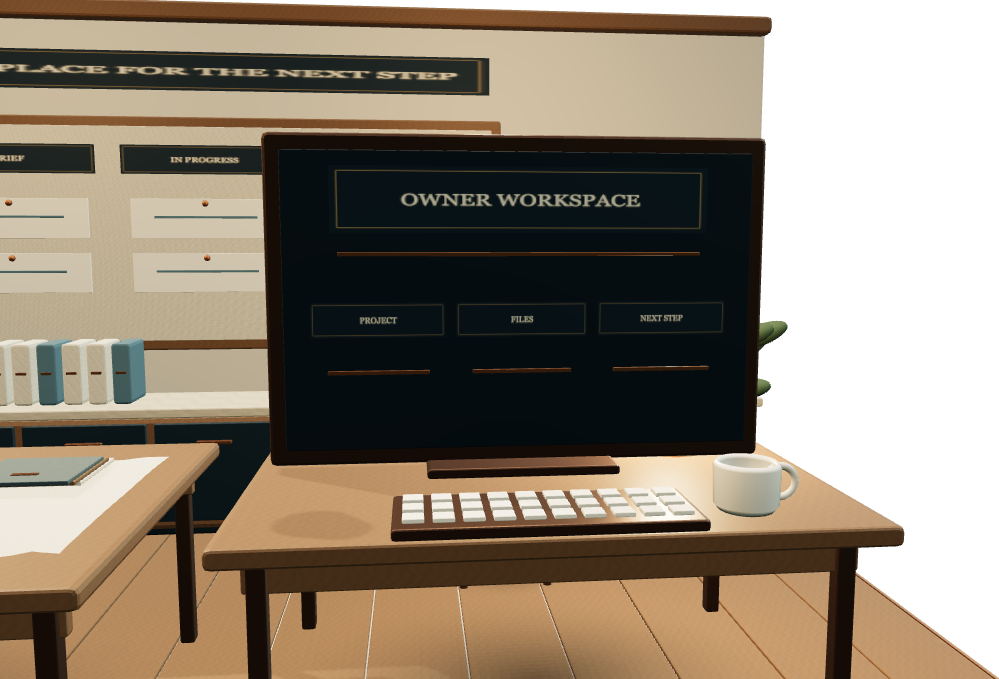
A clearer enquiry pipelineProjects with a next stepReview before releaseRecords with context

A calmer operating picture

Your digital business.
One easy place to start.

Your website, marketing plans, client enquiries and everyday admin belong together. DESK gives the work a clear next step, without making you learn a complicated system.

THE OPERATING PICTURENorthlight / illustrative

A little more clarity.

03Open tasks
01Active project
02Review decisions
PREPARE

The next chapter

Shape the handover

Northlight — brand & website
IN MOTION

A clear direction

Visual development

Northlight — brand & website
TO REVIEW

Your judgement

Review the copy

Northlight — brand & website
01

Work with a beginning, middle and end.

Turn a recorded enquiry into a client and project. Give each task a next step, an owner and a place on the board.

Explore the detail →
02

A decision before a release.

Prepare content and quotes, then request review. A decision belongs to the draft that was actually reviewed.

Explore the detail →
03

Know what the numbers mean.

Keep forecasts, draft invoices, received records and costs distinct. Every figure keeps its context.

Explore the detail →

Designed around your practice

Start with a clean workspace.
Build your own rhythm.

DESK is being introduced through Appleby website clients’ owner dashboards, so help with marketing, admin and the wider digital business has a familiar place to start. You can also explore the workspace directly with a fresh business workspace or a clearly labelled fictional sample.

Create your workspace →
The daily edit

What needs
you today?

DeliveryThe next task, with context.
ReviewA draft ready for a decision.
BusinessThe opportunity and the record.
A workflow you shape. A judgement you keep.

The next chapter

Give your work a place
to come together.